Free online STEP file viewer
STEP File Viewer. Open, section and measure STEP and IGES files online
Open a .step, .stp or IGES file in your browser to rotate it, cut a section through it and measure it. Nothing is uploaded, so your file never leaves your computer.
Free to use. No account. Nothing to install.
Free
No cost, no trial, no limits on how often you use it.
No sign-up
Open it and start. We do not ask for an email.
STEP, STP and IGES
Opens .step, .stp, .iges and .igs files.
Private by design
Your file is read on your own machine and is never uploaded.
View a STEP file online in seconds
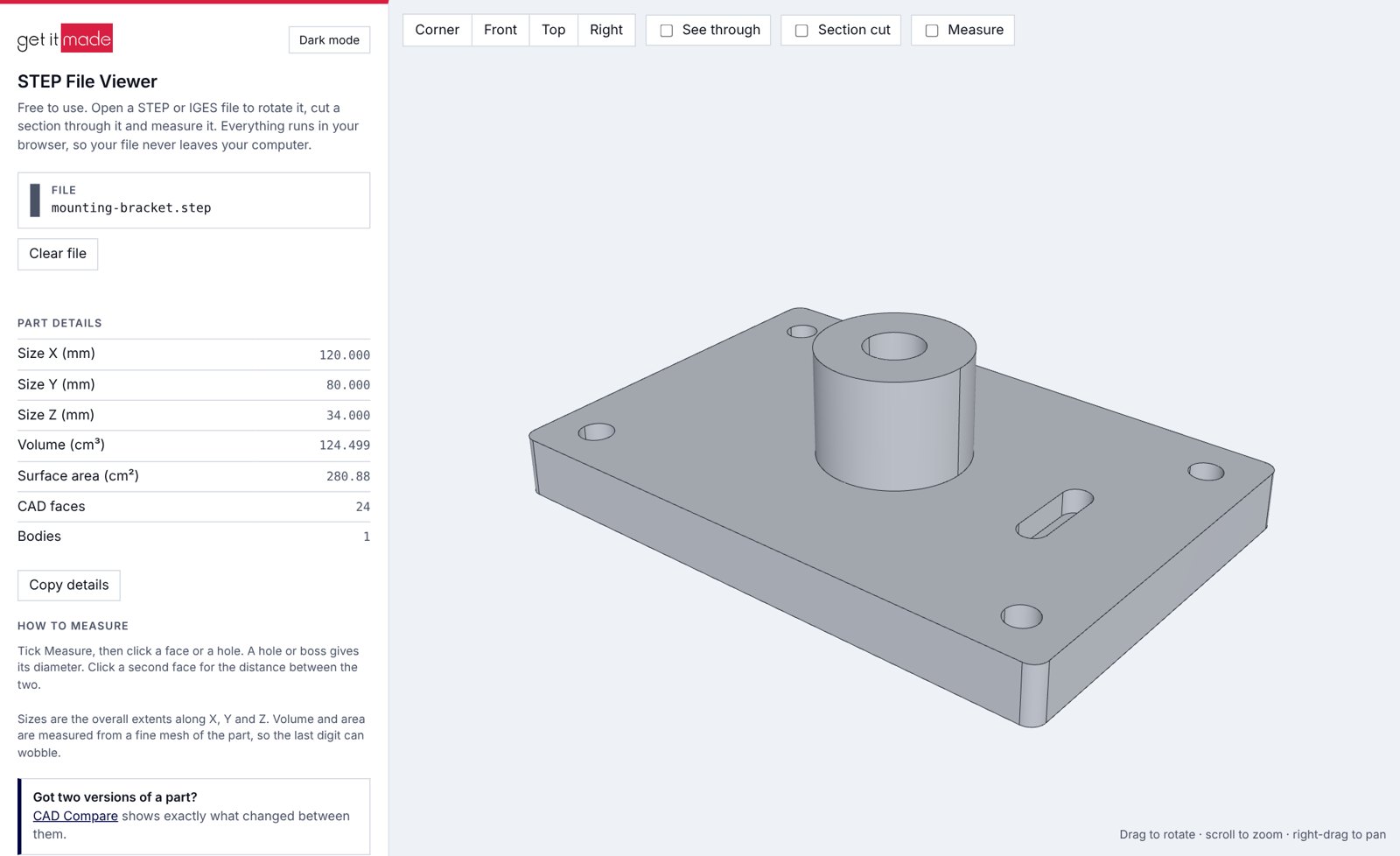
Been sent a STEP file and have no CAD software to open it? Drop it into the viewer and it appears in 3D, ready to turn, slice and measure. There is no download, no licence and no waiting for a colleague with a CAD seat.
01
Open the viewer
It runs in your web browser. There is nothing to download or install.
02
Drop in your file
Drag a .step, .stp, .igs or .iges file onto the page, or click to choose it.
03
Rotate, section and measure
The part appears in 3D, with its overall size, volume and surface area listed alongside.
More than a viewer: check the part properly
Most free STEP viewers only let you look. This one lets you measure a hole, check a wall thickness and read off the size of the part, so you can answer the question you opened the file for.
3D view
Open STEP, STP and IGES files in 3D
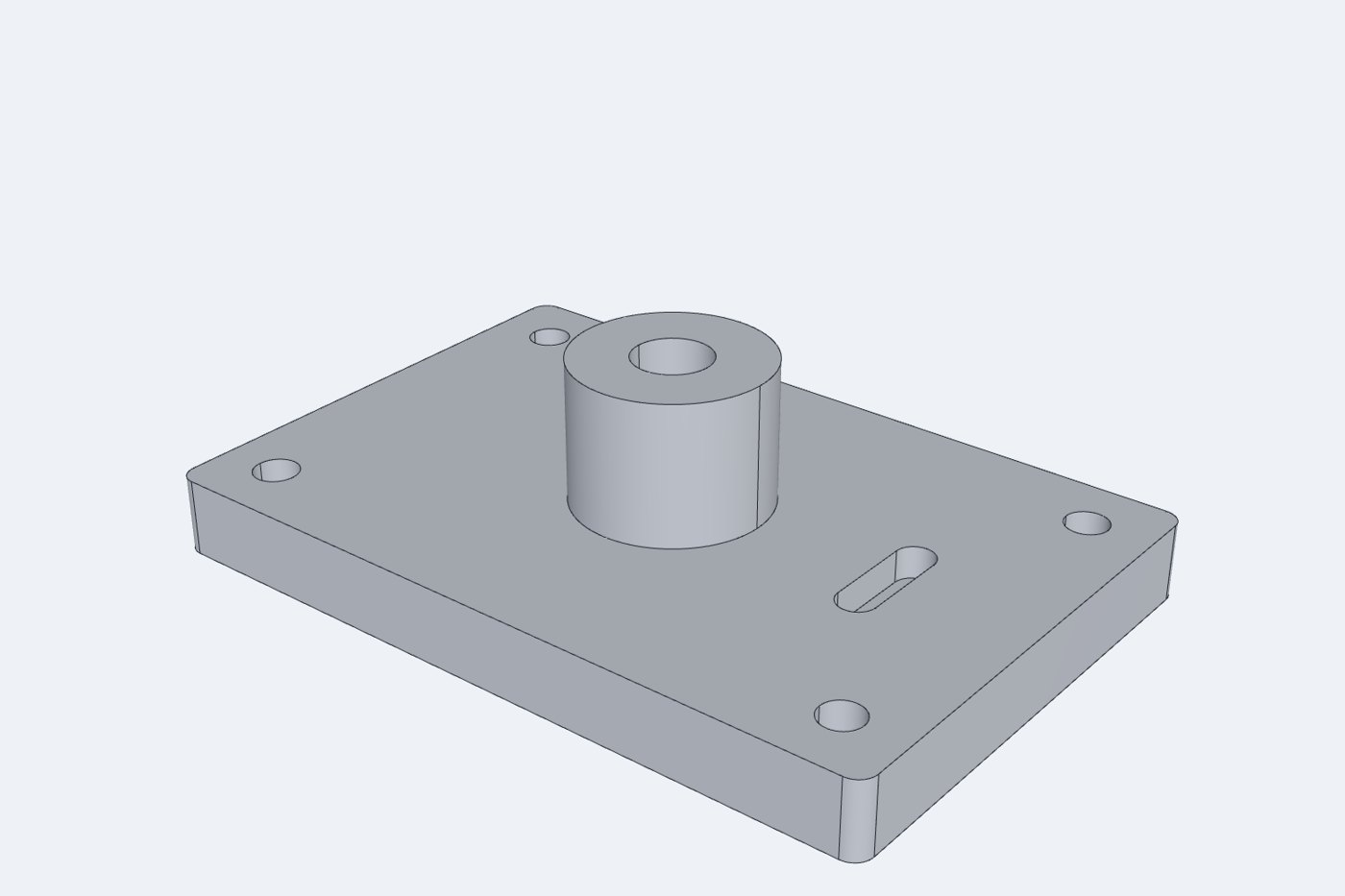
Turn the part with the mouse, zoom into a detail, or jump straight to a corner, front, top or right view. The true CAD edges are drawn on the model, so faces, holes and fillets read clearly.

Measure
Measure a STEP file without CAD software
Tick Measure and click a hole or a boss to read its diameter. Click two faces for the distance between them, or two holes for the centre-to-centre distance. It measures the real CAD face, so it does not matter exactly where you click.
Section cut
Slice through the part to see inside
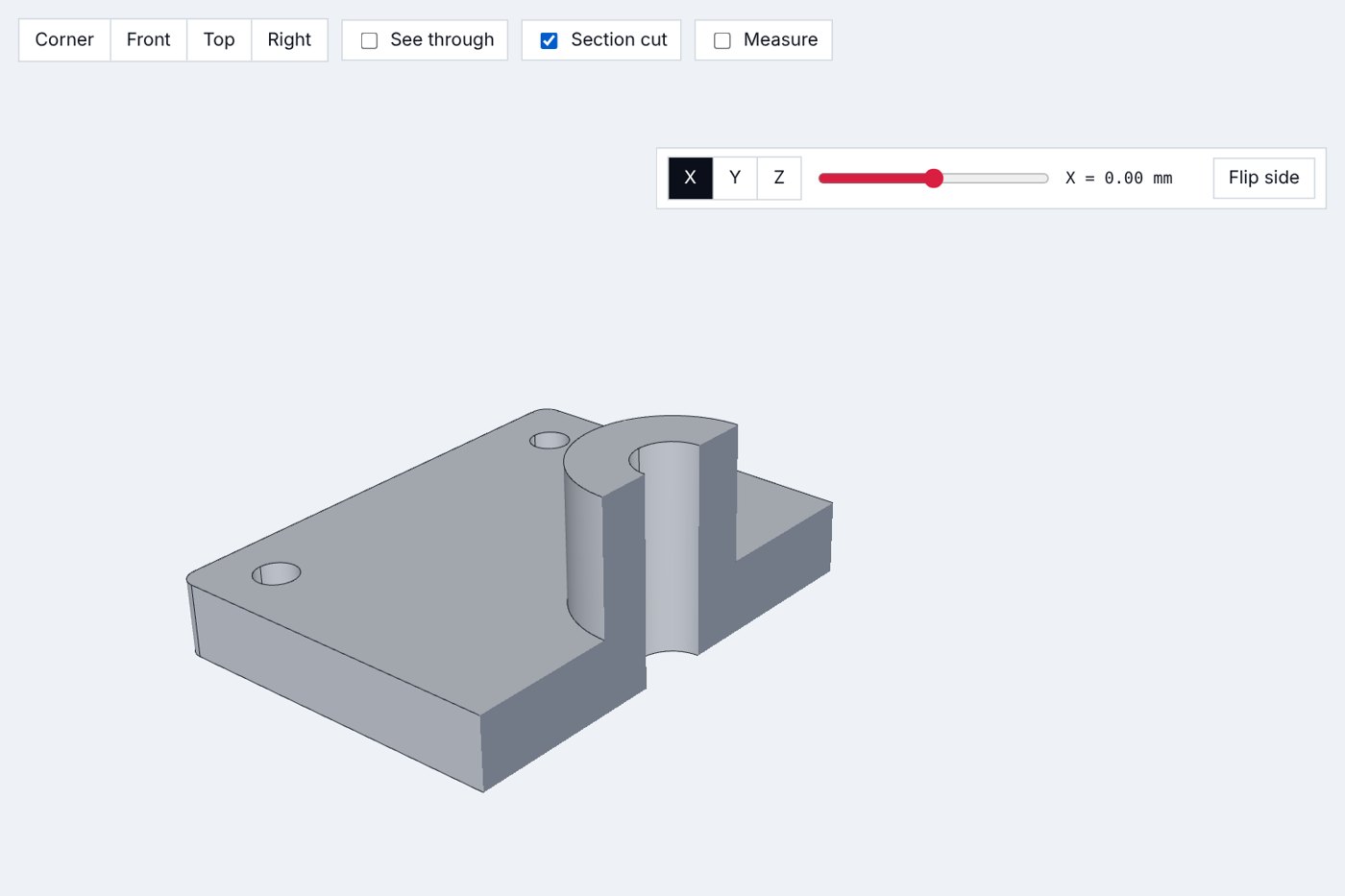
Cut along the X, Y or Z axis and drag the slider to move the cut through the part. Bores, pockets and wall thicknesses that are hidden from the outside become easy to check.

See through
See every hidden feature at a glance
Switch to see-through and the part turns to glass, showing every hole and internal feature at once without cutting it. There is a dark mode too, if you prefer it.
Part details
Size, volume and surface area, worked out for you
The overall size in X, Y and Z, the volume, the surface area and the number of faces and bodies are listed next to the model. Copy them with one click to paste into an email or a quote request.

Your STEP files stay on your computer
Most online CAD viewers upload your file to a server before they show it. This one does not. The file is opened inside your browser, on your own machine, so confidential designs stay confidential.
Nothing is uploaded
Your file is opened and displayed locally. It is not sent to us or to anyone else.
Nothing is stored
Close the tab and the file is gone. There is no account and no history.
Nothing to install
It runs in a modern web browser on a desktop or laptop.
Got two versions of a part?
CAD Compare, our other free tool, lays two STEP or IGES files over each other and highlights every difference between them. Use it when a customer or supplier sends a revised file and you need to know what changed.
Questions people ask
Is the STEP file viewer really free?
Yes. There is no charge, no trial period and no account. It grew out of a tool we built for our own engineers, and we decided to share it.
How do I open a STEP file without CAD software?
Open the viewer in your web browser and drop the file onto the page. It appears in 3D within a few seconds. You do not need SolidWorks, Fusion, Inventor or any other CAD package.
Are my files uploaded anywhere?
No. The file is read and displayed inside your browser on your own computer. It is never sent to Get It Made or to any other server.
What is the difference between a .step and a .stp file?
Nothing. They are the same format with two spellings of the file extension, and the viewer opens both. It also opens IGES files, which end in .igs or .iges.
Can I measure a STEP file online?
Yes. Tick Measure, then click a hole to read its diameter, or click two faces to get the distance between them. Two holes give the centre-to-centre distance.
Can I see inside the part?
Yes. Section cut slices the part along the X, Y or Z axis, and see-through shows the internal features without cutting it.
Can it open SolidWorks, STL or DWG files?
No. It reads STEP and IGES files only. Every major CAD package, including SolidWorks, Fusion, Inventor, Creo, NX and Onshape, can export a STEP file, so ask whoever sent the part for a STEP export.
Can I compare two STEP files?
Yes, with CAD Compare, our other free tool. It lays two versions of a part over each other and highlights every difference between them.
Does it work on a phone?
It is designed for a desktop or laptop, where there is room to rotate the part and read the measurements.
Bespoke quote in 24 hours
Get It Made is proud to provide a human service. Get a quote and free design review by an experienced engineer to see how we make manufacturing simple.